Essential support
Helpdesk and monitoring for a small team without an IT hire.
- Business-hours helpdesk
- Device and account support
- Patch management
- Backup checks
A responsive helpdesk backed by proactive maintenance, so your team spends less time waiting and more time working.
The cheapest ticket is the one that never happens. Monitoring and maintenance catch failing drives, full disks, and expired certificates before users notice.
When something does break, you deal with an engineer who knows your setup — not a queue and a script.
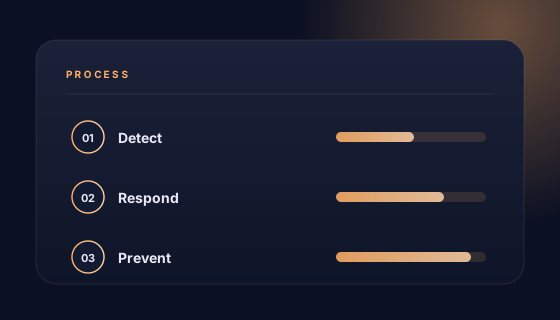
A calm first month, then fewer tickets and better reporting.
Inventory devices, accounts, vendors, and current pain points.
Fix critical issues, close security gaps, and verify backups.
Helpdesk with defined priorities and response expectations.
Monthly reviews, patch reporting, and a rolling improvement plan.
Plans are priced per user with an onboarding fee, so costs stay predictable.
Helpdesk and monitoring for a small team without an IT hire.
Priority response and proactive maintenance for a growing office.
We work alongside your internal IT lead, covering gaps and after-hours.
Response times are defined per plan, with priority levels agreed during onboarding. Out-of-hours cover and on-site response can be scoped.
Both. Most issues are resolved remotely, and on-site visits are available for offices that need hands-on help. Travel scope is agreed in the plan.
Yes. We manage Windows and macOS devices, plus iOS and Android. Linux support is available for technical teams.
Onboarding starts with inventory, access review, monitoring rollout, and documentation. The timeline is confirmed with your plan, and critical issues are handled first.
Yes, and we handle the transition. We document what exists, recover admin access, and agree a cutover date so support does not lapse.
Co-managed support works well in that case. Your person keeps day-to-day ownership while we provide escalation, specialist skills, and holiday cover.
Tell us how many people and devices you support. We will propose a plan, response expectations, and an onboarding schedule.
Approved business contact details are pending confirmation.